
Follow the transformation
Confirm the input cells/table columns and their data types.
Write the formula or query with deliberate relative/absolute/structured references.
Test the formula on one row or small subset where the answer is known.
Power Query Fundamentals is a spreadsheet-analysis technique.
Power Query Fundamentals is a spreadsheet-analysis technique. The key to reliable spreadsheet work is to make references, ranges, data types and aggregation rules explicit so that copied formulas and refreshed data still mean the same thing.
Power Query Fundamentals matters because spreadsheets are often decision tools as well as calculation tools. A small reference, type or range error can propagate into reports, so formulas and source relationships must remain auditable as data change.
Treat this as a sequence of observable decisions rather than one opaque command. Stage 1: Confirm the input cells/table columns and their data types. Stage 2: Write the formula or query with deliberate relative/absolute/structured references. Stage 3: Test the formula on one row or small subset where the answer is known. Final checkpoint: Prefer tables and named/structured references when they make data growth safer.
Confirm the input cells/table columns and their data types.
Write the formula or query with deliberate relative/absolute/structured references.
Test the formula on one row or small subset where the answer is known.
Confirm the input cells/table columns and their data types. This is an input-preparation stage for Power Query Fundamentals. Verify the relevant type, shape, units, keys, missingness or assumptions before later steps depend on them.
Table.TransformColumnTypes(Source, {{"Date", type date}, {"Sales", type number}})Date is typed as date; Sales is typed as number. Invalid values surface as conversion errors.
For Power Query Fundamentals, connect the displayed result to the specific input and mechanism above; independently verify one value/state change rather than treating successful execution as proof.
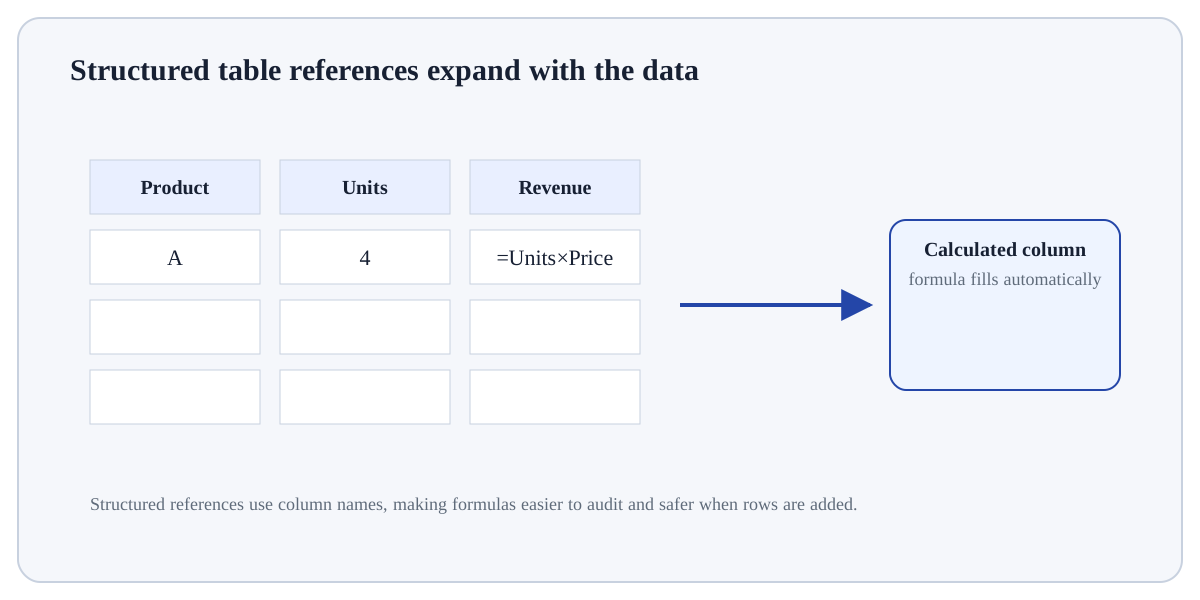
Relative A2Changes when copied.Absolute $A$2Stays fixed when copied.Mixed $A2 / A$2Locks only column or row.Structured Sales[Revenue]Refers to a table column and expands with the table.Use Power Query Fundamentals when a spreadsheet provides an inspectable, cell/table-oriented way to calculate or summarise the data and the workbook can remain auditable.
Prefer a database or scripted workflow when the workbook becomes difficult to audit, refresh reproducibly, version, or scale without manual intervention.
Build a tiny, inspectable example of Power Query Fundamentals. First confirm the input cells/table columns and their data types. Then write the formula or query with deliberate relative/absolute/structured references. Write the expected result before running it, and explain one condition that would make the result misleading or invalid.
Before trusting a result from Power Query Fundamentals, which check provides the strongest evidence that you understand and applied it correctly?
Step 1Confirm the input cells/table columns and their data types.Step 2Write the formula or query with deliberate relative/absolute/structured references.Step 3Test the formula on one row or small subset where the answer is known.Step 4Copy/fill/refresh and audit for shifted references, blanks and errors.