
Follow the transformation
Keep the desired row grain unchanged.
Choose the window function such as ROW_NUMBER, SUM, AVG, LAG or LEAD.
Use PARTITION BY to define independent groups when needed.
A SQL window function performs a group-aware calculation while retaining the original rows.
A SQL window function performs a group-aware calculation while retaining the original rows. Unlike GROUP BY, it does not collapse each partition to one row. The OVER clause defines the partition and ordering, enabling rankings, running totals, lags, moving summaries and group-level values alongside row detail.
Learning goal: explain why Window Functions behaves this way, apply it to a small example, and verify the result independently. Begin by being able to justify this first step: Keep the desired row grain unchanged.
Treat this as a sequence of observable decisions rather than one opaque command. Stage 1: Keep the desired row grain unchanged. Stage 2: Choose the window function such as ROW_NUMBER, SUM, AVG, LAG or LEAD. Stage 3: Use PARTITION BY to define independent groups when needed. Final checkpoint: For moving/running calculations, define the frame explicitly and verify boundary rows.
Keep the desired row grain unchanged.
Choose the window function such as ROW_NUMBER, SUM, AVG, LAG or LEAD.
Use PARTITION BY to define independent groups when needed.
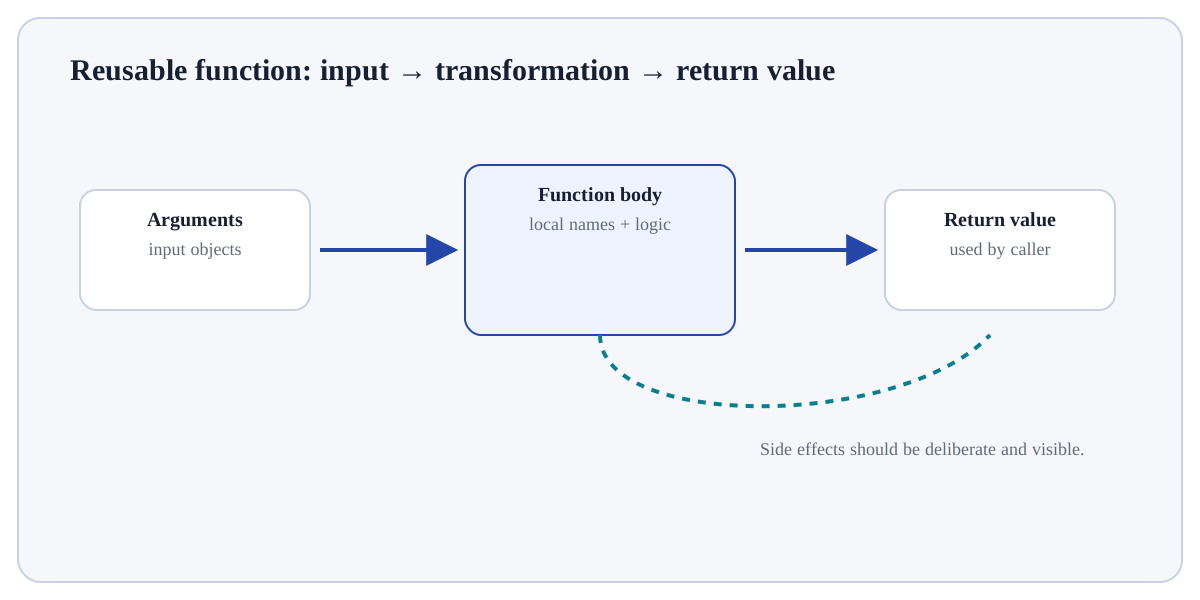
Keep the desired row grain unchanged. For Window Functions, identify the exact state before this stage, the operation or rule applied here, and the observable state afterwards so the mechanism remains inspectable.
-- Step 1 — Choose the output fields/expressions that the query should return.
SELECT region, product, revenue,
       ROW_NUMBER() OVER (PARTITION BY region ORDER BY revenue DESC) AS rank_in_region
-- Step 2 — Identify the source table or intermediate relation that supplies rows.
FROM sales;Every product row remains present, but each receives a ranking calculated within its region.
For Window Functions, trace one source row through the query and explain why it appears, disappears, duplicates or receives its calculated value.
GROUP BYCollapses rows to one row per group.Window functionKeeps rows and adds group/ordered calculations.ORDER BY in OVERDefines sequence for rank/running/lag calculations.Use Window Functions when it answers a defined question in SQL for Analytics and its inputs/assumptions match the current data or program state.
Reconsider Window Functions when the required information is unavailable, the operation would violate a validation/data boundary, or a simpler operation answers the question more transparently.
Construct a tiny example of Window Functions. First keep the desired row grain unchanged. Then choose the window function such as ROW_NUMBER, SUM, AVG, LAG or LEAD. Predict the result before execution and explain one boundary or failure case.
Which approach best demonstrates understanding of Window Functions?
Step 1Keep the desired row grain unchanged.Step 2Choose the window function such as ROW_NUMBER, SUM, AVG, LAG or LEAD.Step 3Use PARTITION BY to define independent groups when needed.Step 4Use ORDER BY inside OVER when sequence matters.